



【每周微课】Octave Forte 3D(原Intergraph Smart 3D)中建库Commodity Option应用强调

【每周微课】Octave Forte 3D(原Intergraph Smart 3D)中建库Commodity Option应用强调

————————————————


每周微课

Octave Forte 3D

————————————————

在建库工作中,有人喜欢自定义Short Code,尤其是法兰、弯头等,在下拉列表里直接加一些自己常用的Short Code。本文将强调关于Commodity Option的应用。


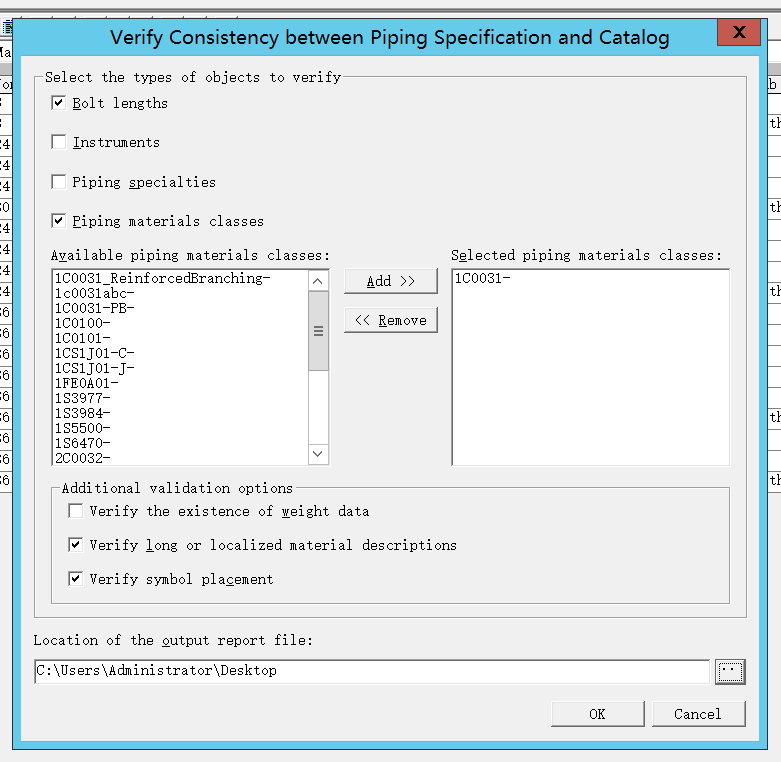
首先,该字段定义了一个等级内相同元件的多种选择。比如一个等级中有150#法兰,还有300#;阀门有通径、缩径;管道有不同壁厚等等。个人建议,对于弯头、法兰、异径管等元件使用软件默认的Short Code,区分的话使用Commodity Option,无需自定义新的Short Code。因为软件中有相关的规则,定义了放置过程中使用的Short Code。自定义Short Code还要补充Short Code Hierarchy Rule。
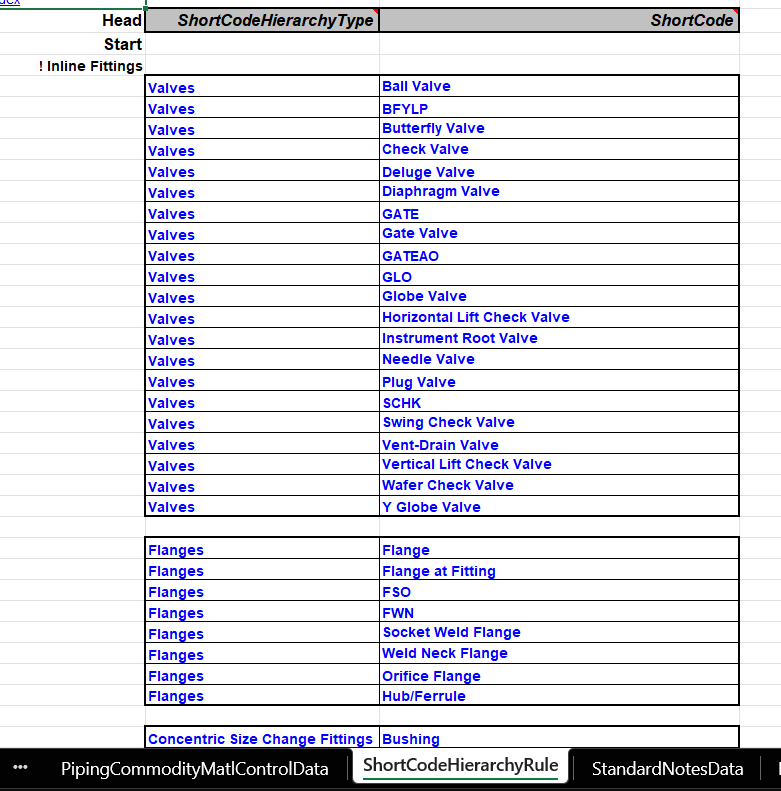
【每周微课】Octave Forte 3D(原Intergraph Smart 3D)中建库Commodity Option应用强调

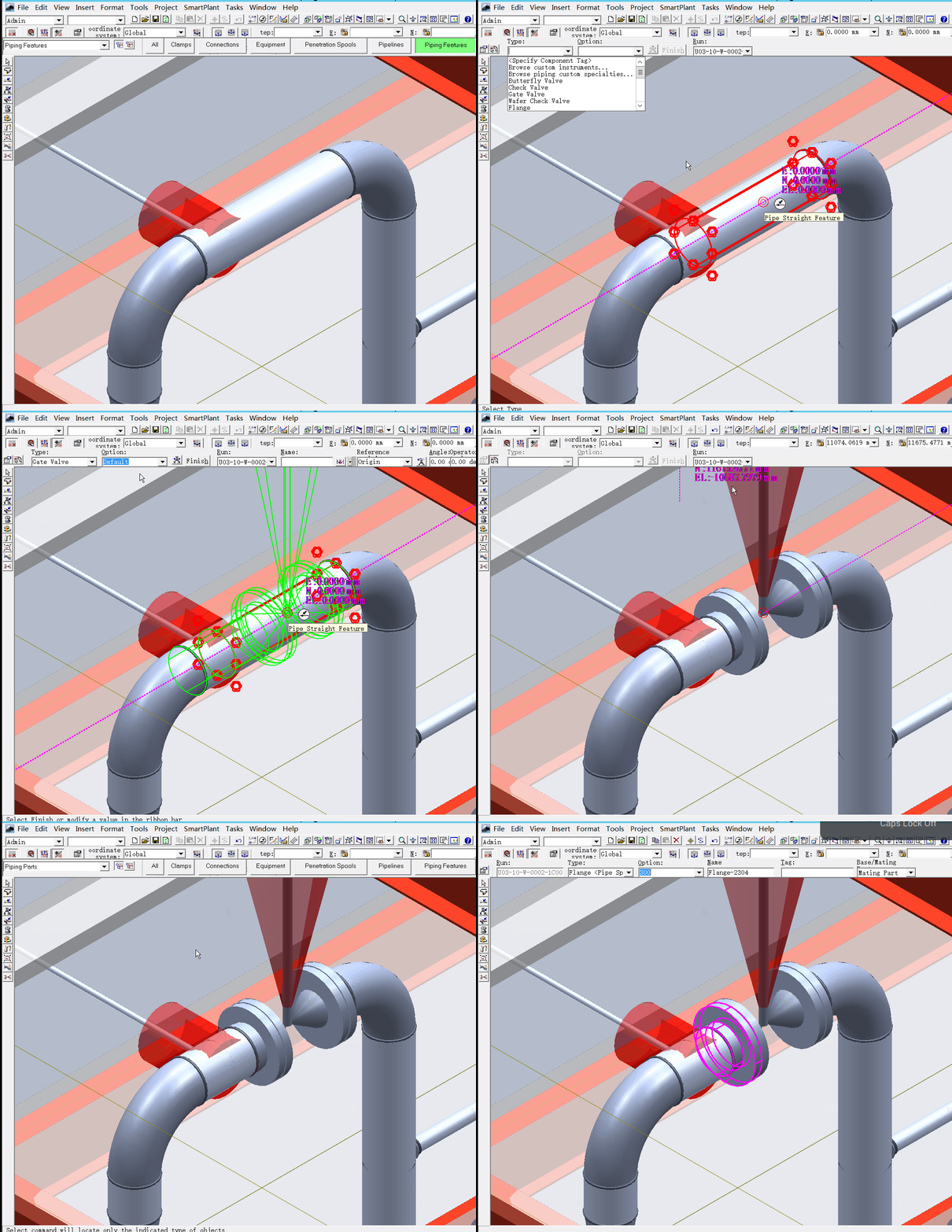
如法兰,可以使用法兰类型的Option进行区分,也可以使用压力磅级进行区分,同时还可以使用其他选项进行区分。在放置法兰端口元件时,软件会根据规则进行法兰自动匹配。模型中,指定了法兰的默认Short Code为Flange,因此在建模时,软件可以自动生成适配的法兰。
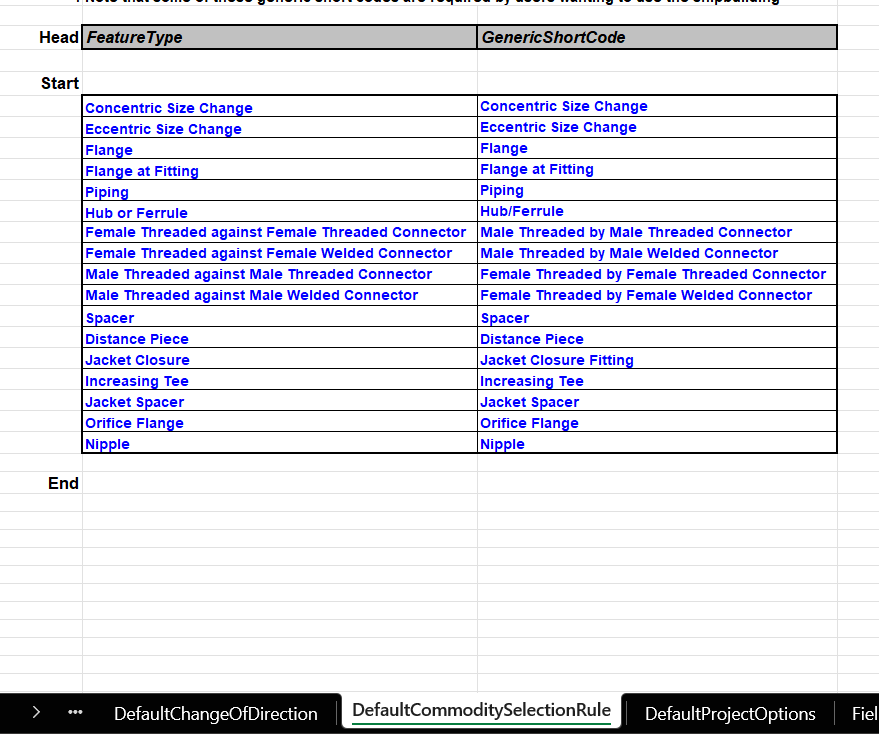
【每周微课】Octave Forte 3D(原Intergraph Smart 3D)中建库Commodity Option应用强调


如下:

【每周微课】Octave Forte 3D(原Intergraph Smart 3D)中建库Commodity Option应用强调


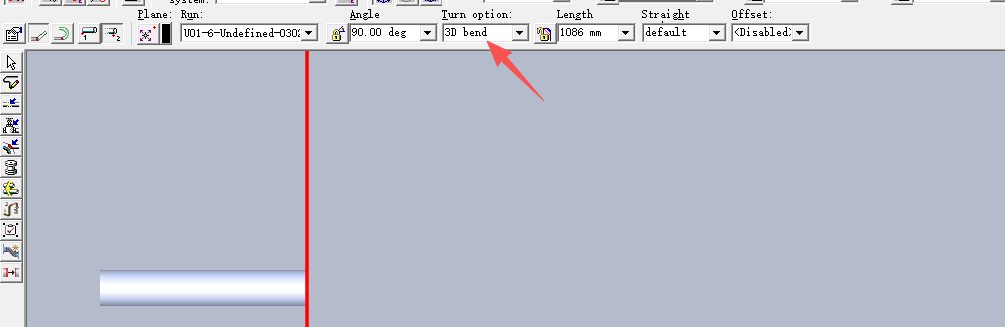
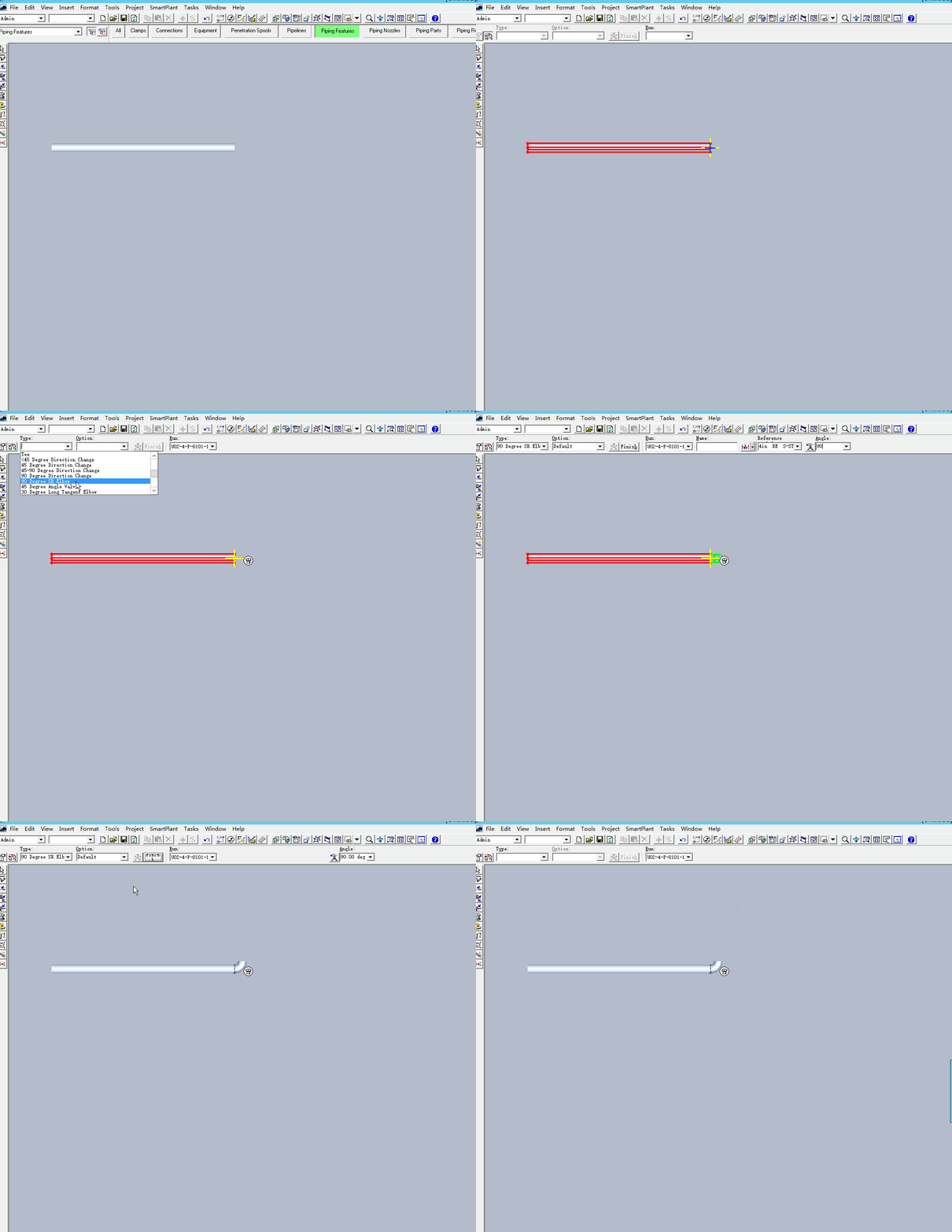
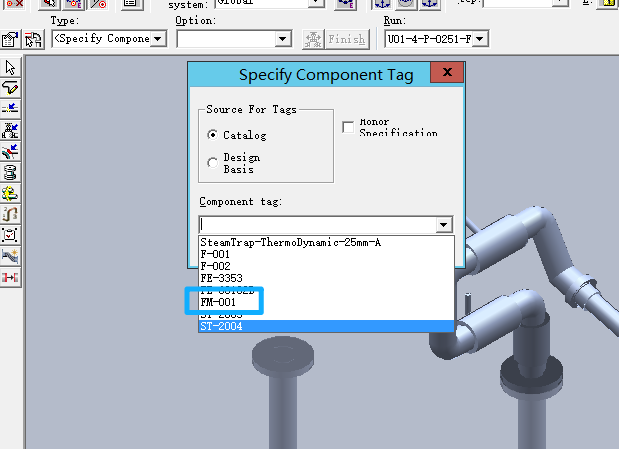
同时如弯头,在使用了Commodity Option时,可以在建模时通过选项直接进行弯头的自动生成。

【每周微课】Octave Forte 3D(原Intergraph Smart 3D)中建库Commodity Option应用强调


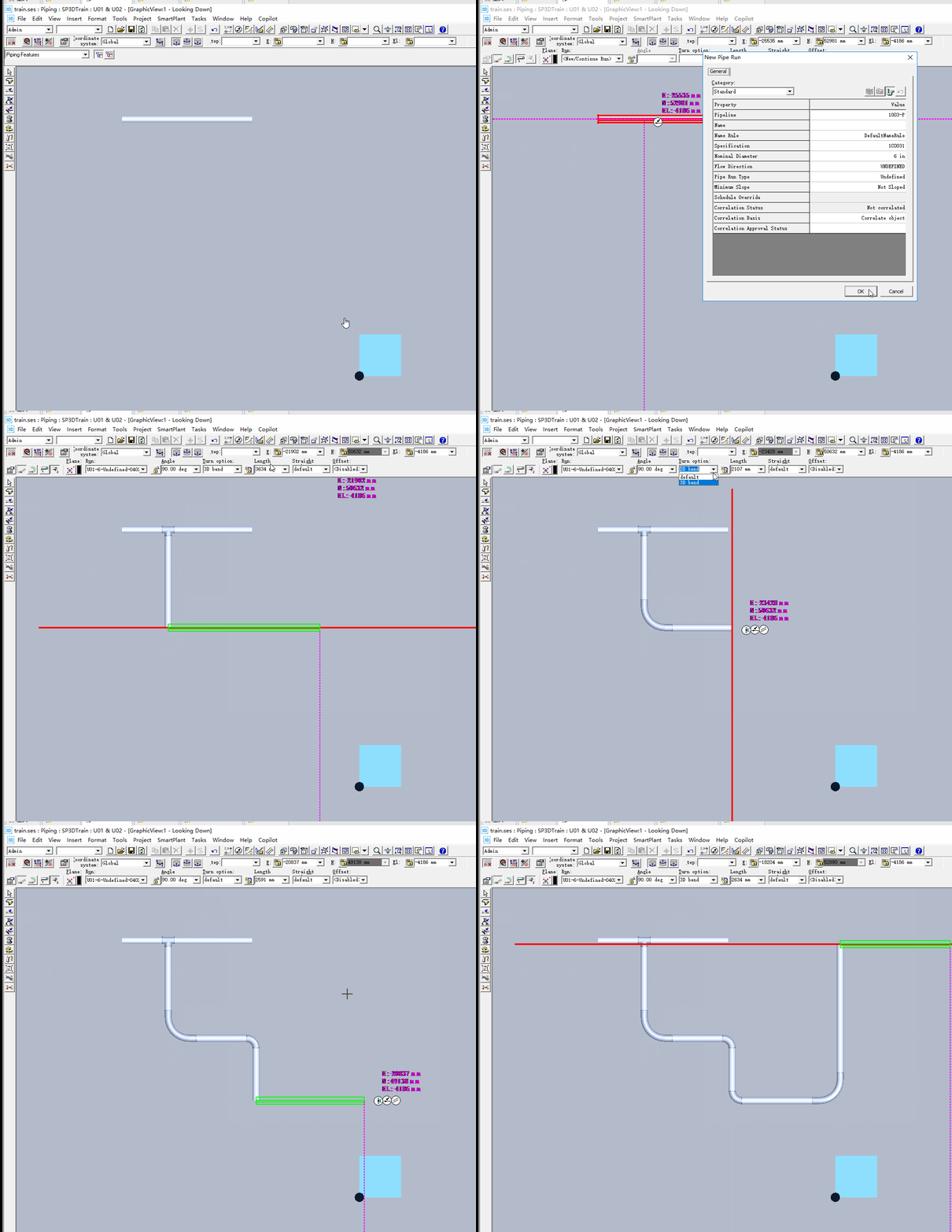
不用画好之后再一个个修改。如下:

【每周微课】Octave Forte 3D(原Intergraph Smart 3D)中建库Commodity Option应用强调


当然也不用画一段管,选择一个弯头的操作。

【每周微课】Octave Forte 3D(原Intergraph Smart 3D)中建库Commodity Option应用强调


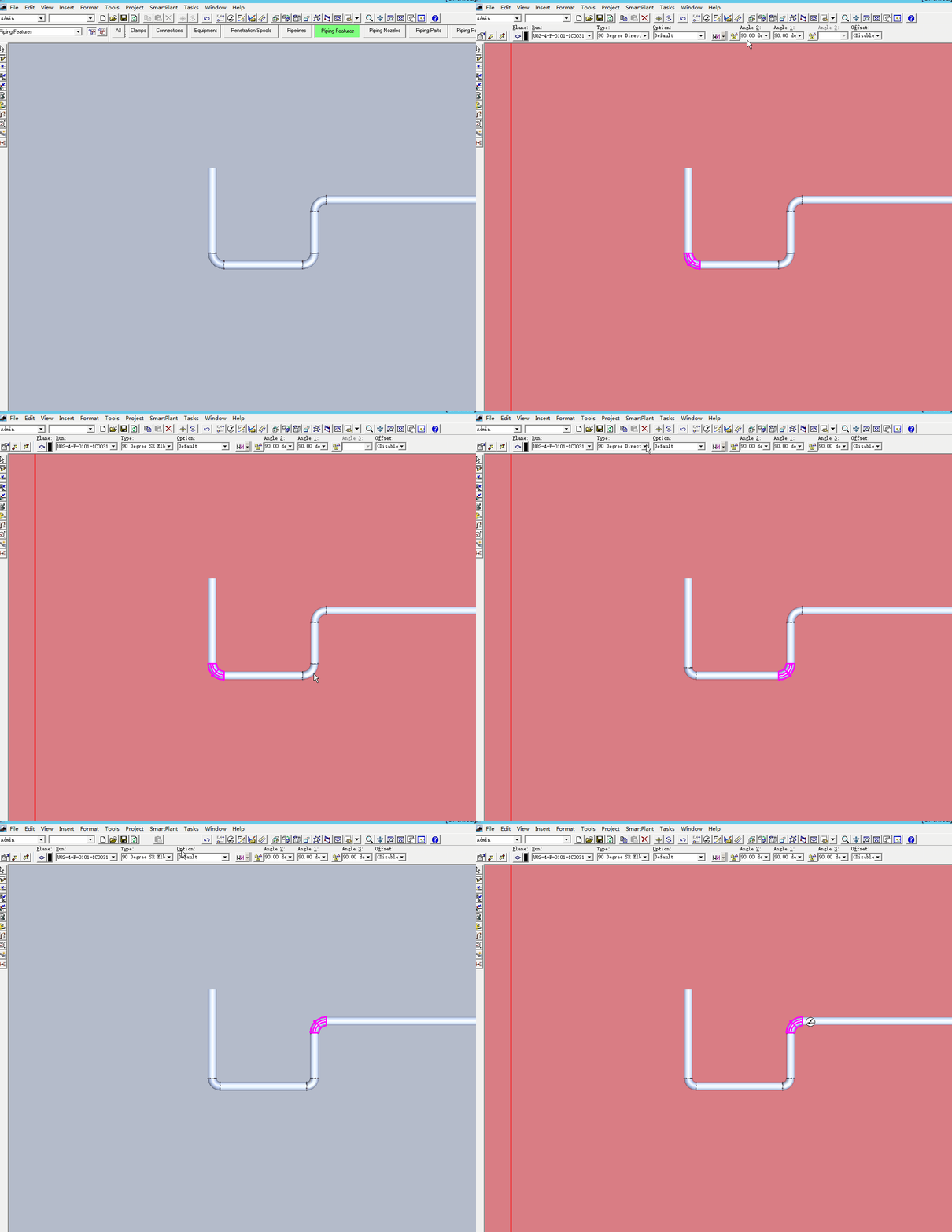
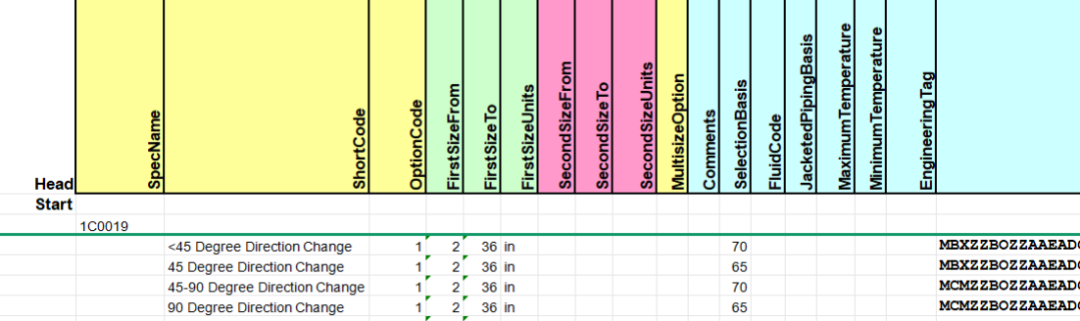
在这里强调一下,弯头的Option需要保证0-90度角的完整。即:

【每周微课】Octave Forte 3D(原Intergraph Smart 3D)中建库Commodity Option应用强调


如上,软件是开放的,完成目的的方法也不是单一的,找到最优的方法才是需要“蒸馏”的。


本期分享到此结束。

————————————————

 

评论
软件问答 更多
Intergraph Smart 3D 智能三维工程设计系统 更多